
StoryScape
A downloadable game
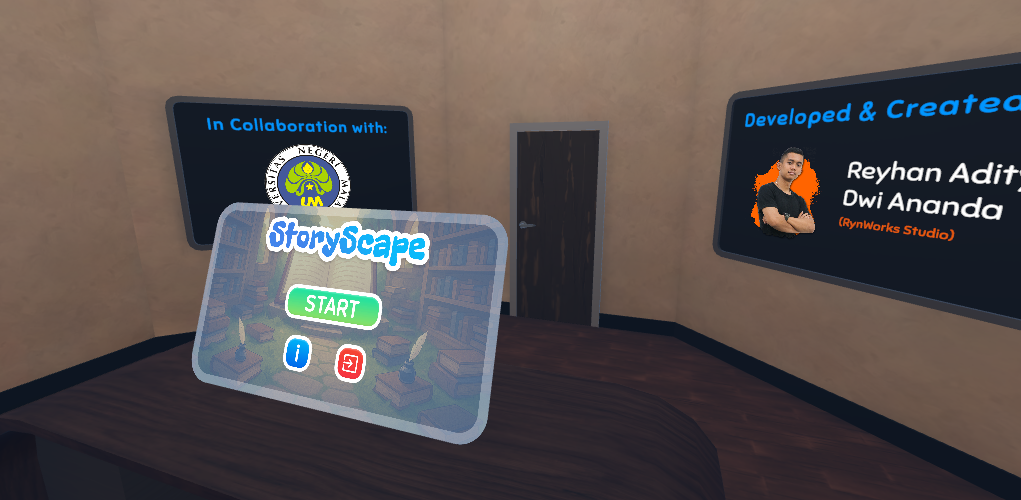
StoryScape is a Virtual reality-based game that invites you to a magical world inside the library books.
------------------------------

The player's main task is to complete missions that are different in each adventure. The adventure differs in every book.
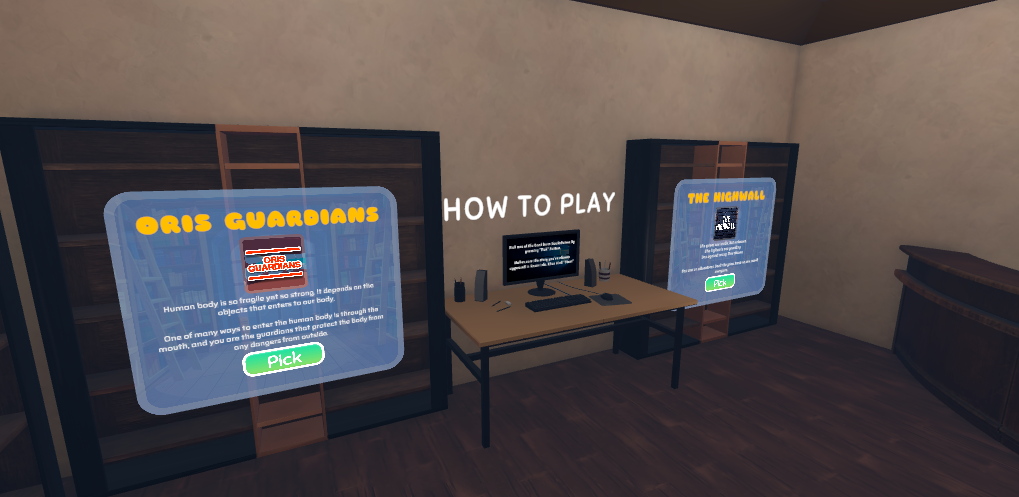
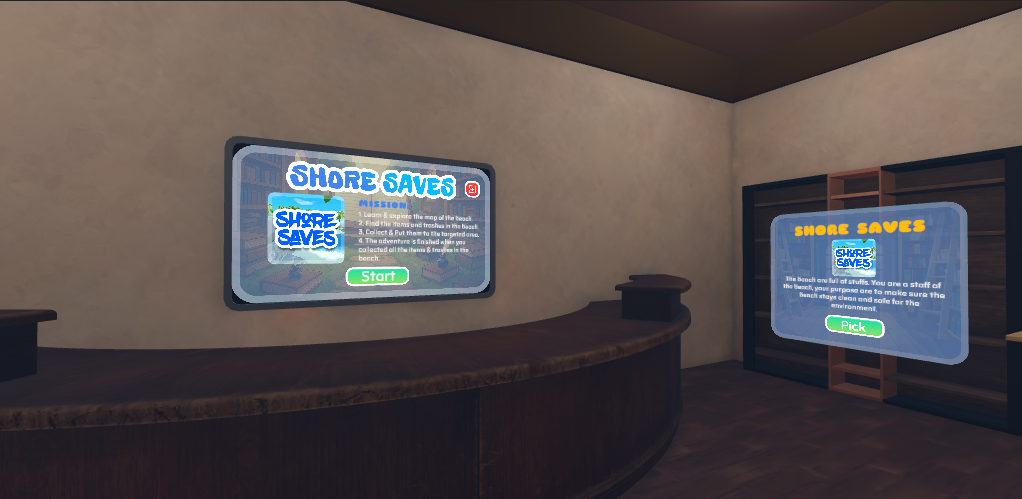
Players can also know the synopsis and description of each books inside the library of the game. Players will be given further instructions while inside the chosen book’s world.
------------------------------

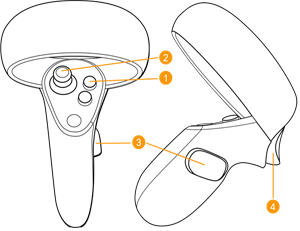
Legend:
| Button Number | Button Name | Functions |
| 1 | "A, B, X, Y" Buttons | Various Uses |
| 2 | Analog Button | Move |
| 3 | "Select" Button | Grab (Hold) |
| 4 | "Trigger" Button | Press / Use |
1. MOVEMENT SYSTEM
To move the player character in the game, the player can use the Analog button on the left side of the Oculus controller to move the character. Another movement system will be uncovered by playing the game.
Players can also make sharp shifts in view (Snap Turn) without having to turn the player's body to facilitate player movement. To perform a Snap Turn, players can use the analog button on the left side of the Oculus controller with three options:
- Analog to the right
Players will make a Snap Turn of 45° to the right. - Analog to the left
Players will make a Snap Turn of 45° to the left - Analog downwards
Players will do a Snap Turn of 180° or look at the back of the player.
2. INTERACTION SYSTEM
Players can also interact with various objects available in the StoryScape game. Two types of interactions can be carried out:
- Menu Interaction
Players can interact with several menus in the game. The interaction is carried out by the player directing the Oculus controller toward the menu in front of the player, then a transparent white line will appear which is intended as a guide or "pointer" for the controller, and the "trigger" to "click" on the menu. - Grab Interaction
Players can interact with various objects by grabbing the desired object. To carry out grab interaction, the player only needs to point the Oculus controller at the desired object like when picking up an item in general, then by pressing and holding the "select" button on the Oculus controller to take the desired object. Grab interaction can be done with both controllers (right and left). - Action Interaction
Players can use/shoot the weapon/items that are grabbed in the right hand, this interaction is carried out by pressing the "trigger" button on the right controller.
------------------------------

The game is now going on an update, and there'll be new books available to be played with.
Leave a comment
Log in with itch.io to leave a comment.